 Value Finder
 Face Planes
Open a portrait, drop one here, or paste it (Ctrl or ⌘ + V).
Works best with one face, seen from the front or turned a little.
Your photo stays on your computer: nothing is uploaded.
Works best with one face, seen from the front or turned a little.
Your photo stays on your computer: nothing is uploaded.
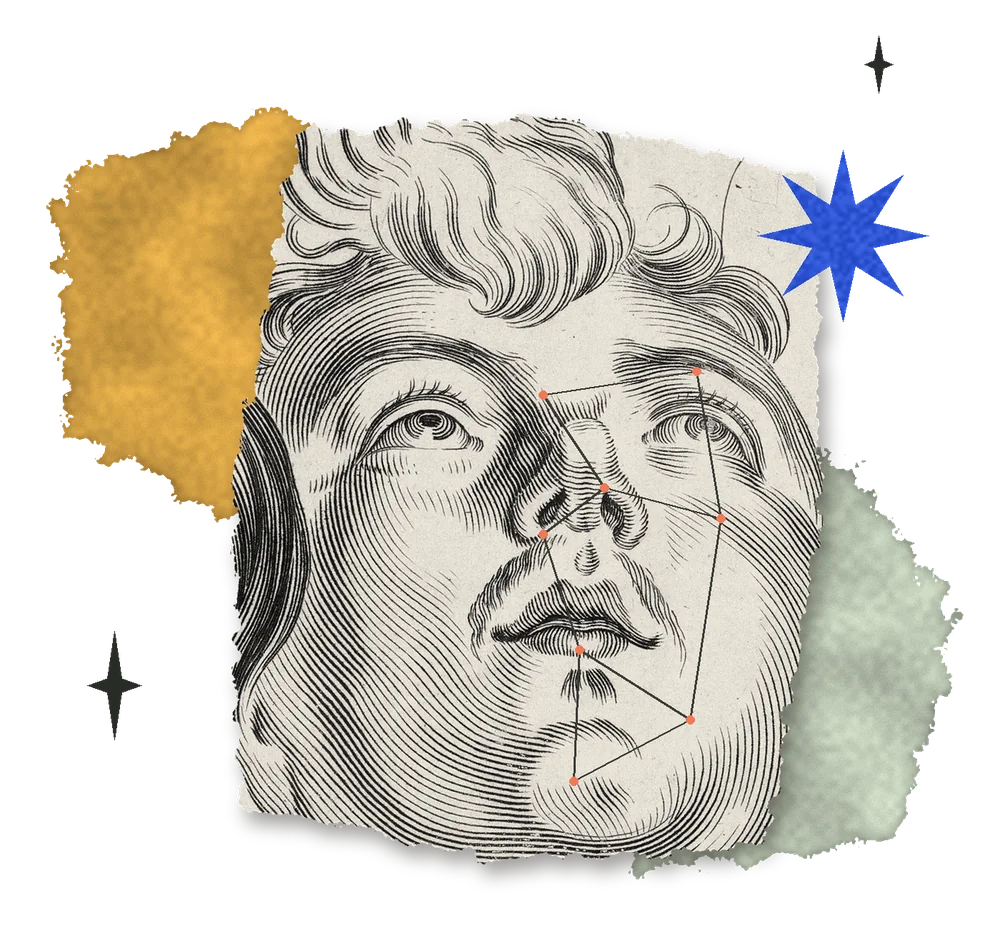
Plane lines draws the planes on the photo. Values fills each plane with its one value, like a value map. Light and shadow splits the planes into the light family and the shadow family. Colors fills each plane with its own color, like painting in tiles. Hover over a plane to see its name and how to mix it. Detail splits the eyes, nose and lips into finer planes (Eyes, Nose and Lips zoom in and turn it on). The face finder doesn't see ears, so Add an ear asks you to click the top of the ear, the bottom of the earlobe and the back edge, and fits the ear's planes to them; drag the three dots to adjust. Zoom with the buttons, the scroll wheel, a trackpad pinch or a double click; drag to move around.